web-app-ai-doc-summary is the first AI extension to ship into the ownCloud web-extensions repository since we relicensed it to Apache-2.0 on June 15th. Lukas Hirt wrote it in a week.
What It Does
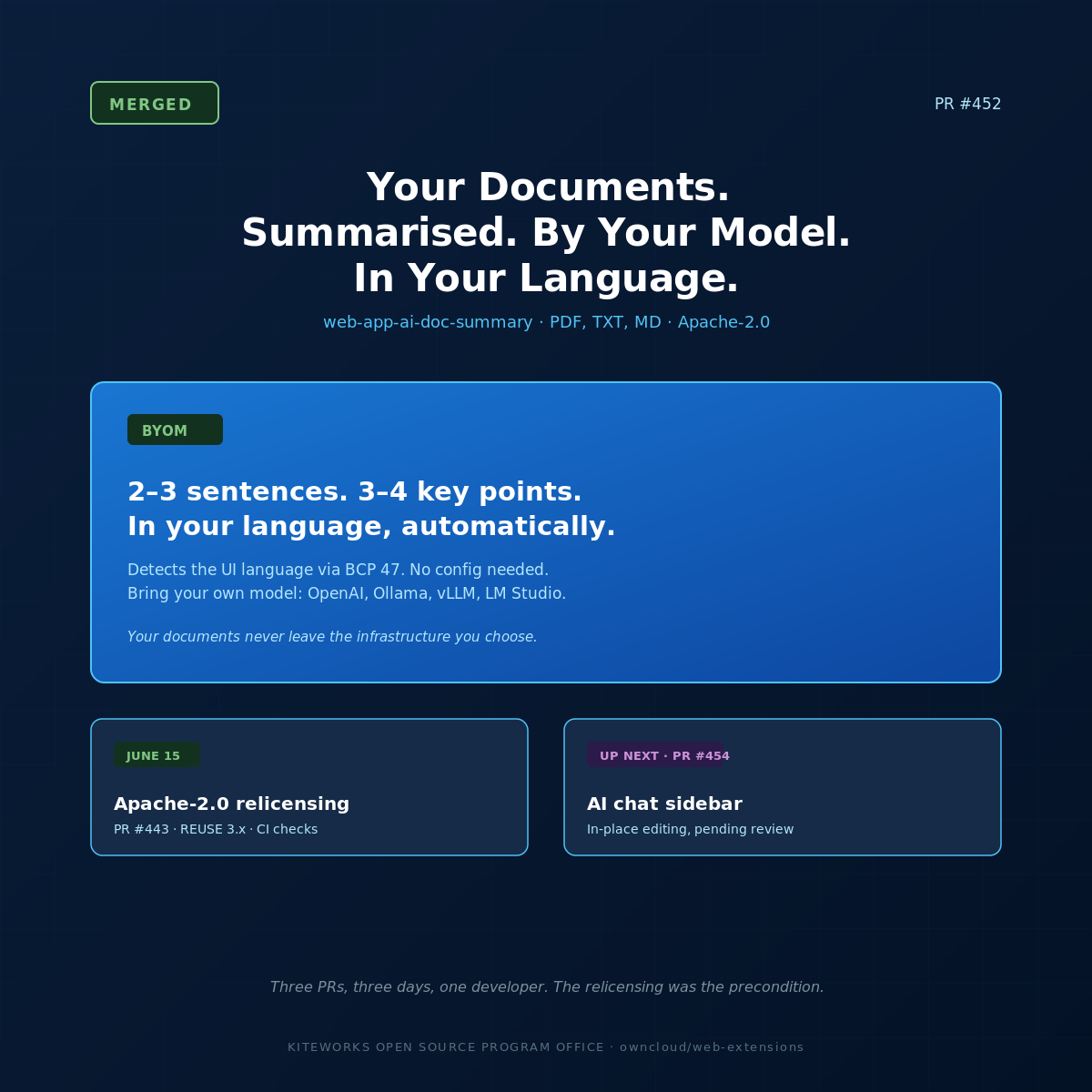
Open a PDF, TXT, or Markdown file in oCIS. A Summary tab appears in the sidebar. Click it. You get a 2–3 sentence overview and 3–4 key points, generated by whichever LLM you’ve configured. The summary appears in your preferred interface language — the extension detects it via BCP 47 and tells the model to respond accordingly.
That last detail is not a footnote. It’s the feature. A Bavarian school teacher opens a PDF report in German. The summary is in German. A Dutch researcher opens an English-language paper. The summary is in Dutch. No configuration required. The extension reads the user’s browser language preference and instructs the model automatically.
There’s also a context menu action. Right-click any supported file in the file list. „Summarise.“ Same result, without opening the full file viewer first.
Bring Your Own Model
The extension accepts an endpoint, a model name, and an optional API key via application config. The endpoint is any OpenAI-compatible API. That means OpenAI if you’re using it. It also means Ollama running on a server in your data centre. Or any of the dozens of LLM serving frameworks that implement the OpenAI API format — vLLM, LM Studio, Llama.cpp server, LocalAI.
This is the architectural decision that makes the sovereign story real. Not „we chose not to build in a cloud AI dependency.“ Simply: the extension takes an endpoint. You choose what’s behind that endpoint. If it’s a self-hosted model on European infrastructure, your documents never leave European infrastructure.
For developers getting started locally, Lukas wired an Ollama service directly into the dev docker-compose stack with a Traefik config. Clone the repo, run docker-compose up, and have a local LLM available for testing without any external API key or cloud account.
The Engineering Details That Matter
- LLM capability probing. On first use, the extension probes the configured endpoint to discover what the model supports: structured output, tool use, streaming, context window size. It caches the result. The extension adapts to the model rather than assuming capabilities.
- PDF text extraction via pdf.js. The extension uses pdf.js in fake-worker mode — running PDF parsing in the main thread without triggering CSP violations. Works cleanly across oCIS deployments with strict security headers, including hardened public sector configurations.
- Test coverage. Unit tests cover the composables. E2E tests cover the full summarise flow.
- DCO sign-off.Signed-off-by: Lukas Hirt <zc.trih@ofni>. No CLA. His copyright.
What This Week Looks Like
Three PRs in three days from the same developer on the same repository:
- June 15 — PR #443: web-extensions relicensed from AGPL-3.0 to Apache-2.0. REUSE 3.x compliance. Automated licence checks in CI.
- June 17 — PR #452 (this one): AI document summary extension. Merged.
- June 17 — PR #454: AI chat sidebar — back-and-forth conversation with file content, with in-place editing. Pending.
The relicensing was the precondition. The AI extensions are the payoff.
For Administrators
Configuration is via application config, not per-user settings. An oCIS administrator configures the LLM endpoint and model once. Users get the Summary tab without any setup on their end. If you’re running a self-hosted Ollama instance, point the extension at it.
github.com/owncloud/web-extensions
For Developers
The Ollama dev stack is ready to use. Clone the repo, check the docker-compose config, run it, and you have a local LLM and a local oCIS instance for testing. The E2E test suite runs against this stack.
The AI development guide is at owncloud.dev. The AI-Assisted Contribution Policy is published at kiteworks.com/opensource.
Build something.
github.com/owncloud/web-extensions/pull/452
Lukas Hirt is a Collaborator on ownCloud web-extensions. PR #452 opened June 15, merged June 17, 2026.
ownCloud OSPO: moc.skrowetik@opso · kiteworks.com/opensource